Mail Lanes
An email app for iPhone, iPad, and Apple Watch that sorts your inbox for you, so you can find what you need fast.
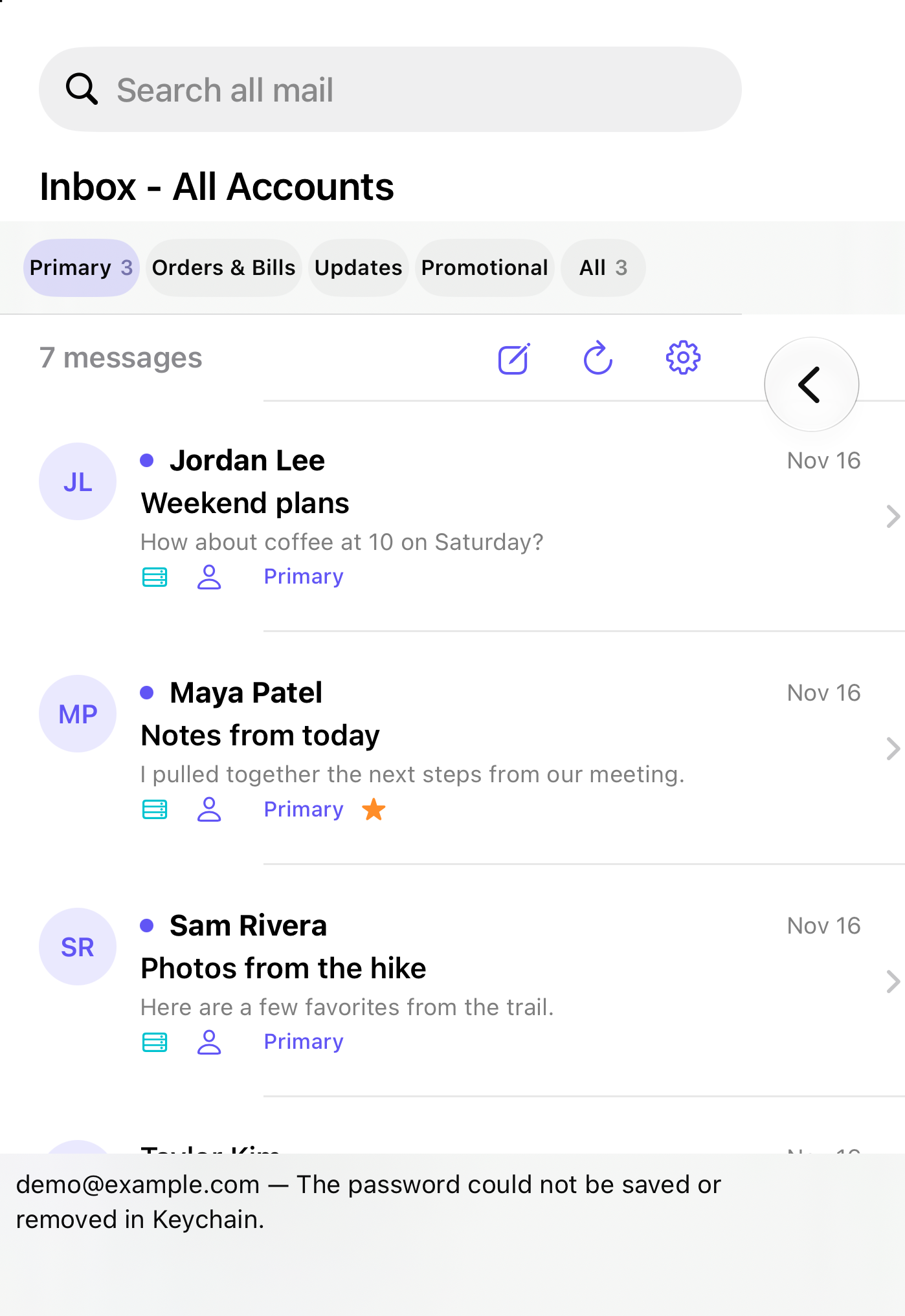
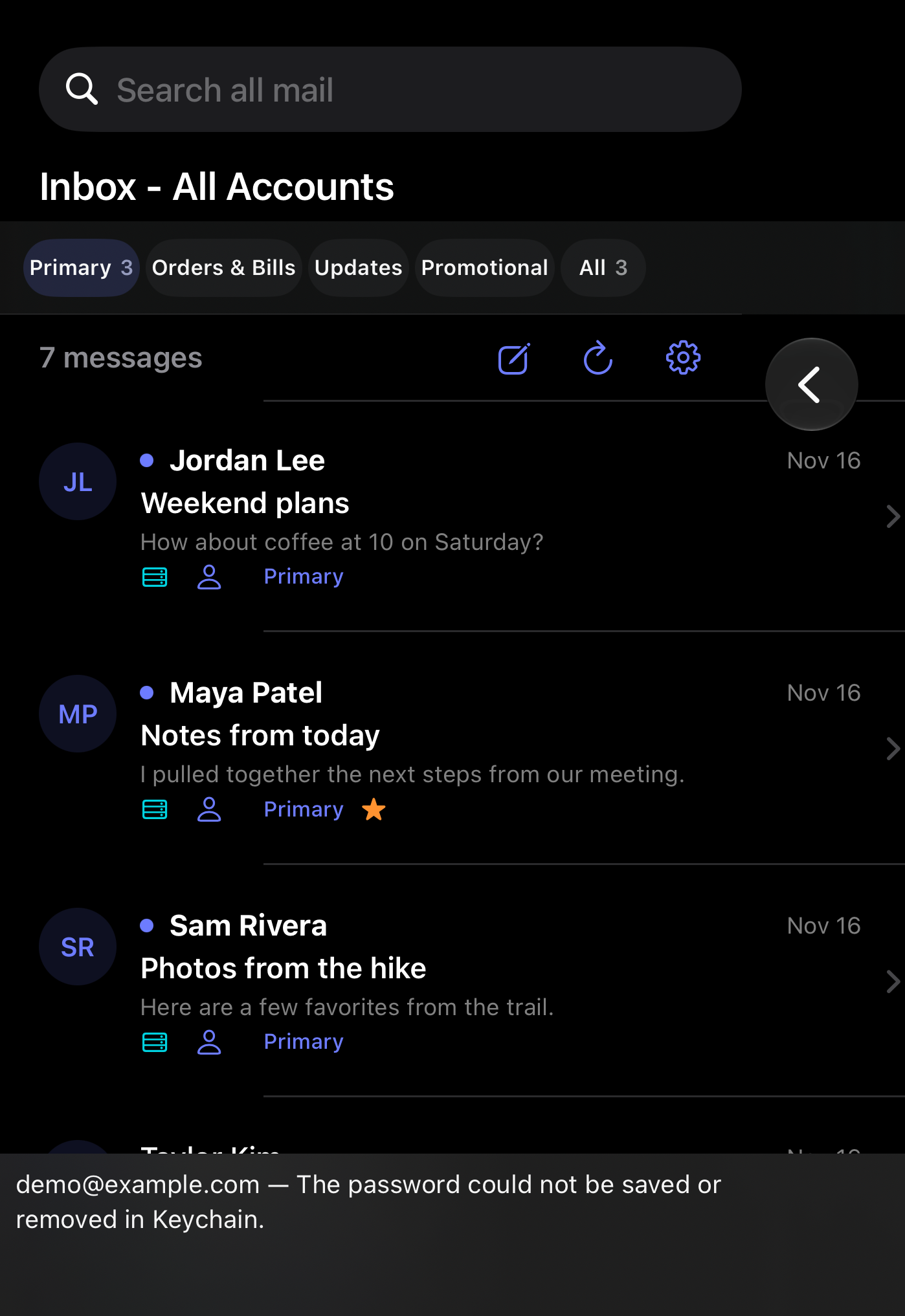
Cropped iPhone Duo simulator screenshots with fictional messages.
Bring your inboxes together
Connect Gmail, iCloud Mail, or another compatible IMAP account. Browse folders and search across connected inboxes. On iPhone and iPad, you can also compose and reply.
How Gmail connects
When you connect Gmail, Google asks you to approve access so Mail Lanes can read, organize, and send mail for that account. The privacy policy explains what stays on your device and what the app sends over the network.
How iCloud Mail connects
In Mail Lanes, choose iCloud when adding an account. Enter your iCloud Mail address and an app-specific password generated in your Apple Account. Mail Lanes stores that password in Apple Keychain and connects directly to Apple’s mail servers. It uses IMAP to sync your inbox and SMTP to send mail from iPhone or iPad.